Creating a productive working environment at home demands more than placing a laptop on a flat surface. True efficiency relies on deliberate spatial choices, ergonomic principles, and cognitive boundaries that separate work tasks from household responsibilities. When carefully structured, a dedicated workspace elevates focus, reduces daily fatigue, and establishes clear professional routines.
Designing a Layout for Peak Focus
The physical arrangement of a remote workspace establishes the baseline for daily focus. Positioning the primary desk near natural light sources enhances alertness and regulates circadian rhythms without causing glare on digital screens. Visual distractions within the immediate line of sight should be minimized by positioning the workstation facing a simple wall or an organized bookshelf.
Ergonomic Chair and Desk Adjustments
Achieving correct physical posture prevents chronic strain throughout long work sessions. The chair must support the natural curve of the spine, allowing feet to rest flat on the floor with knees bent at a ninety-degree angle. Monitor screens should sit directly at eye level, approximately an arm’s length away, preventing neck tilt and upper back tension.
Task Lighting and Visual Comfort
Proper lighting eliminates eye fatigue and supports sustained concentration. Combining ambient room lighting with an adjustable task lamp provides balanced illumination for reading physical documents and typing. Warm light tones foster a calm atmosphere, whereas cooler daylight spectrums stimulate visual acuity during peak work hours.
Streamlining Digital and Physical Tools
Clutter acts as an invisible cognitive drain, forcing the mind to process unnecessary background information. Streamlining both tangible desk items and digital files frees up mental bandwidth for complex problem-solving. A minimalist workspace layout ensures essential tools remain within reach while non-essential items stay hidden.
Desktop Decluttering Strategies
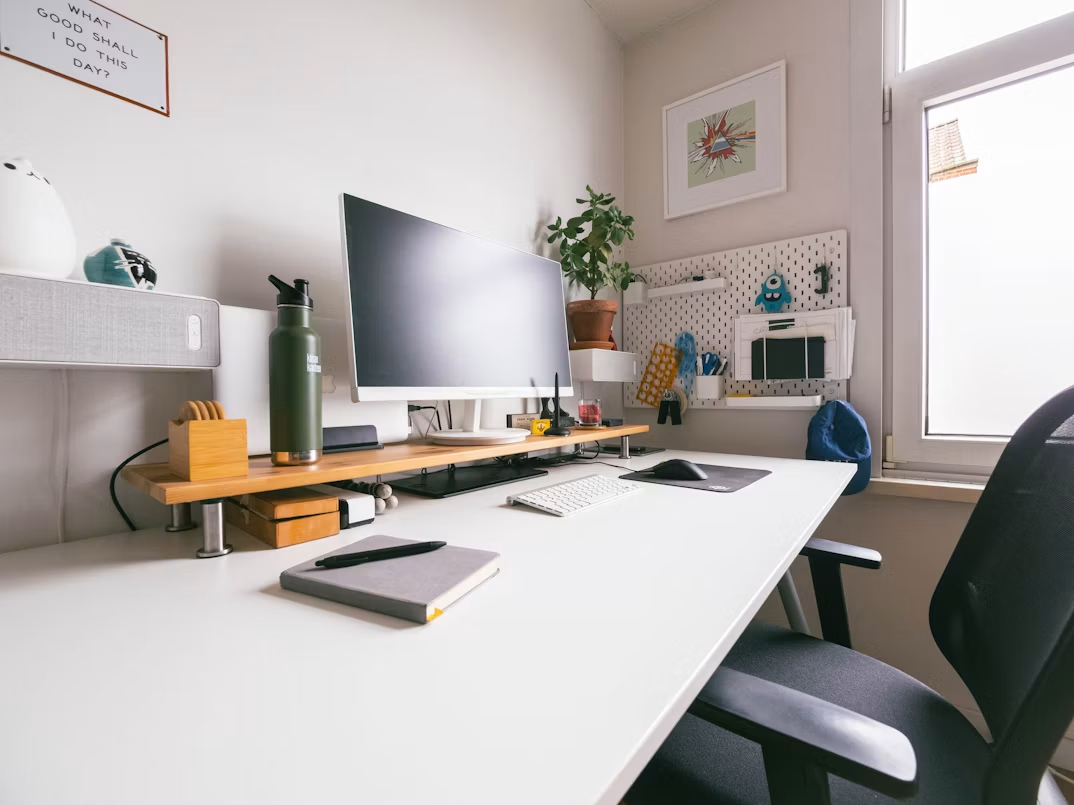
A clean physical surface promotes a structured mind. Keeping only daily essentials—such as a notepad, a single writing instrument, and a water glass—on the main desk area prevents physical congestion. Cable management solutions, including under-desk trays and cord clips, keep power lines organized and completely out of sight.
Digital File Organization and Desktop Hygiene
Digital organization requires the same discipline as physical space management. Establishing a standardized folder structure for active projects prevents time wasted searching for crucial files. Clearing temporary desktop downloads at the end of each work session creates a fresh starting point for the following morning.
Establishing Daily Boundaries and Routines
Working from home blurs the lines between professional duties and domestic life. Building explicit daily transition rituals preserves focus and prevents burnout. Structured scheduling signals to both household members and your own mind when deep focus begins and ends.
Managing Time with Task Chunking
Dividing the workday into distinct focus blocks increases operational momentum. Grouping similar administrative tasks prevents constant context switching, which degrades overall output quality. Dedicated deep-work intervals, paired with short physical movement breaks, maintain mental clarity across the day.
Integrating Local Care Options for Balance
Achieving complete professional focus often requires reliable support for household commitments. Working parents balancing remote careers find that enrolling young children in a quality preschool in West University, Tucson offers necessary structure, allowing parents to dedicate uninterrupted blocks of time to complex project demands.
Elevating Productivity Through Daily Maintenance
Sustaining an efficient home office requires regular upkeep rather than sporadic deep cleaning. End-of-day resets ensure that the physical and mental environment remains welcoming every morning.
The Five-Minute Evening Reset
Dedicating five minutes at the conclusion of each workday to reset the workstation maintains long-term order. Returning stray coffee mugs to the kitchen, wiping down peripherals, and writing a top-three priority list for the next day allows the mind to disconnect fully from work duties.
Continuous Workspace Optimization
Personal productivity needs evolve based on project requirements and seasonal changes. Periodic evaluations of the physical setup help identify necessary ergonomic adjustments, storage upgrades, or lighting tweaks. Small, deliberate refinements ensure the workstation consistently supports high-level professional execution.