Meta Description: Streamline operations, reduce manual errors, and boost team efficiency with these 5 high-impact workflow upgrades.
Every growing organization or specialized practice eventually runs into an invisible wall. In the early days, you can rely on manual effort, quick verbal check-ins, and sheer hustle to keep projects moving forward. But as client demands increase and team sizes scale, those informal methods start to crack.
Inefficiency isn’t just a minor inconvenience. It leads to missed deadlines, burned-out staff, costly administrative errors, and frustrated clients.
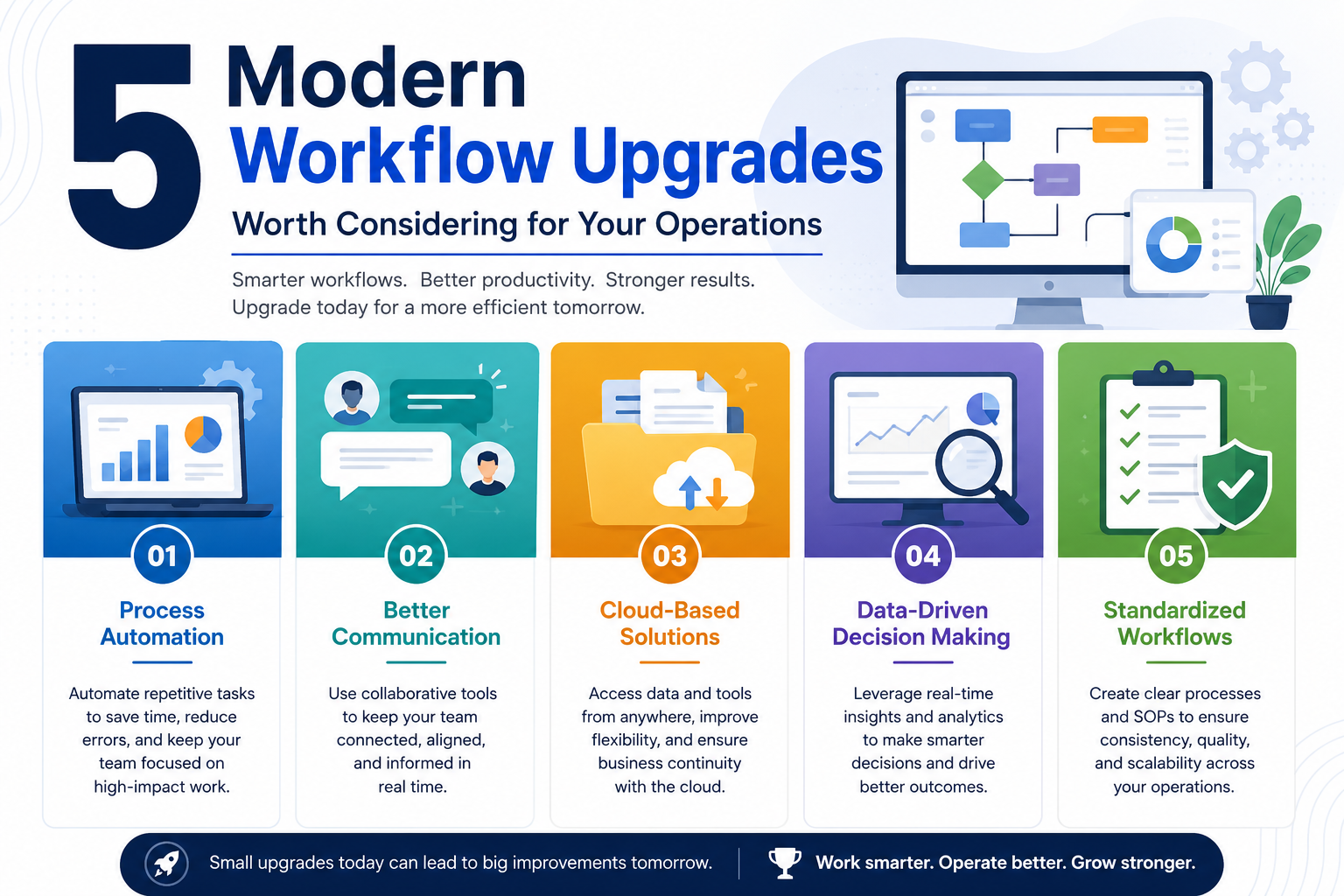
True workflow optimization isn’t about forcing your team to work faster or adding five new software subscriptions overnight. It is about identifying structural bottlenecks and making strategic upgrades that eliminate friction. Whether you manage a corporate team, a creative agency, or a specialized clinical practice, here are five workflow upgrades worth considering to elevate your daily operations.
1. Shift to Asynchronous Communication
Asynchronous communication improves workplace efficiency by allowing team members to process and respond to messages on their own schedule, protecting deep focus time and reducing constant meeting interruptions.
Constant interruptions destroy productivity. When your team is forced to respond to real-time chat notifications every five minutes or attend back-to-back status meetings, they never get the long blocks of uninterrupted time required for complex problem-solving.
Implementing asynchronous communication tools changes the dynamic. Encourage your team to document project updates in written summaries or recorded screen walkthroughs rather than calling a 30-minute meeting. Reserve live meetings strictly for creative brainstorming, complex decision-making, and relationship-building. By default, give your team the space to execute work without immediate response pressure.
2. Adopt Niche-Specific Automation and Digital Tools
Specialized digital tools target the unique technical challenges of a specific industry, delivering higher accuracy and eliminating manual steps that broad-purpose platforms cannot handle.
While general tools like basic spreadsheets and generic task boards handle broad administrative tasks well, they fall short when applied to highly technical or regulated fields. Trying to force a generic platform to manage complex, domain-specific tasks creates unnecessary workaround steps and increases human error.
Industry leaders invest in specialized software built for their exact operational needs. For example, in modern healthcare and orthodontic practices, transitioning away from manual tray fabrication toward advanced digital clinical workflow solutions transforms patient care. Integrating specialized digital indirect bonding software allows clinicians to digitally plan bracket positioning on 3D models with extreme accuracy. This cuts physical chair time, improves treatment precision, and frees up staff from tedious manual prep work.
Whether you operate in legal services, manufacturing, or clinical healthcare, replacing generic workarounds with purpose-built digital tools yields an immediate return on efficiency.
3. Build a Centralized Digital Knowledge Base
A centralized knowledge base stores standard operating procedures (SOPs), templates, and guides in a single searchable repository, allowing staff to find answers independently without interrupting colleagues.
How many times a week do your team members ask, “Where is the latest version of this template?” or “What is our standard process for handling this request?”
When operational knowledge lives only in people’s heads or scattered across private email threads, progress grumbles to a halt every time a key employee is out sick or busy. Building a single, searchable digital knowledge hub solves this problem. Document your standard operating procedures, client onboarding steps, and technical guidelines in one easily accessible platform. Onboarding new hires becomes faster, and daily questions get resolved in seconds.
4. Automate Repetitive Administrative Tasks
Organizations should automate repetitive tasks like appointment scheduling, client intake forms, invoice reminders, and basic data entry between software applications.
Administrative bloat is one of the quietest productivity killers in any business. When highly skilled professionals spend two hours a day manually transferring data from emails to spreadsheets, sending invoice reminders, or coordinating schedules, your organization loses valuable high-level output.
Leverage automated integration platforms to handle routine data transfers automatically. Setting up automated client intake forms, instant self-scheduling calendar links, and automated billing reminders takes an afternoon, but it saves hundreds of hours of manual labor over the course of a year.
5. Standardize on Unified Task and Project Tracking
Unified task tracking replaces disjointed communication channels with a single platform that displays real-time task status, assignees, deadlines, and project dependencies.
Managing projects across scattered emails, text messages, and sticky notes guarantees that important details will fall through the cracks. It leaves leadership guessing about project status and forces team members to spend time searching for updates.
Standardizing on robust automated task management platforms provides complete operational transparency. Every task should have a single assigned owner, a clear deadline, and linked reference materials. When everyone sees the exact progress of a project in real time, status meetings become obsolete and accountability increases naturally.
Common Workflow Bottlenecks: Symptoms and Solutions
Identifying where your operations leak time is the first step toward fixing them. Use this breakdown to match common team frustrations with the right workflow solution:
|
Operational Symptom |
Root Cause |
Recommended Workflow Upgrade |
|
Constant project delays |
Unclear task handoffs and hidden bottlenecks |
Implement unified task management software with clear dependencies. |
|
Frequent errors in technical work |
Reliance on manual entry or outdated tools |
Adopt niche-specific automation tools built for your exact industry. |
|
Burnout and late-night work |
Endless meetings and constant interruptions |
Transition to an asynchronous-first communication policy. |
|
Slow client onboarding |
Manual paperwork and repeated data entry |
Deploy automated intake forms and self-service scheduling tools. |
Frequently Asked Questions
How do I know if my team needs a workflow upgrade?
If your staff spends more time discussing work than actually doing it, if project details frequently get lost in email threads, or if highly skilled employees are stuck doing repetitive manual data entry, your workflows need an overhaul.
Will adopting new workflow software disrupt our daily operations?
There is always a brief adjustment period when rolling out new tools. However, you can minimize disruption by upgrading one process at a time, providing clear training materials, and choosing intuitive platforms designed specifically for your industry’s exact pain points.
Conclusion
Operational efficiency is not about doing more work in less time; it is about eliminating unnecessary, repetitive friction so your team can focus on high-value tasks. By shifting toward asynchronous communication, leveraging specialized digital software, centralizing company knowledge, automating administrative tasks, and unifying project tracking, you protect your team’s energy and build a resilient foundation for long-term growth. Strategic workflow upgrades turn daily chaos into a smooth, predictable system.